

A cinematic prompt workflow for filmmakers working with AI.
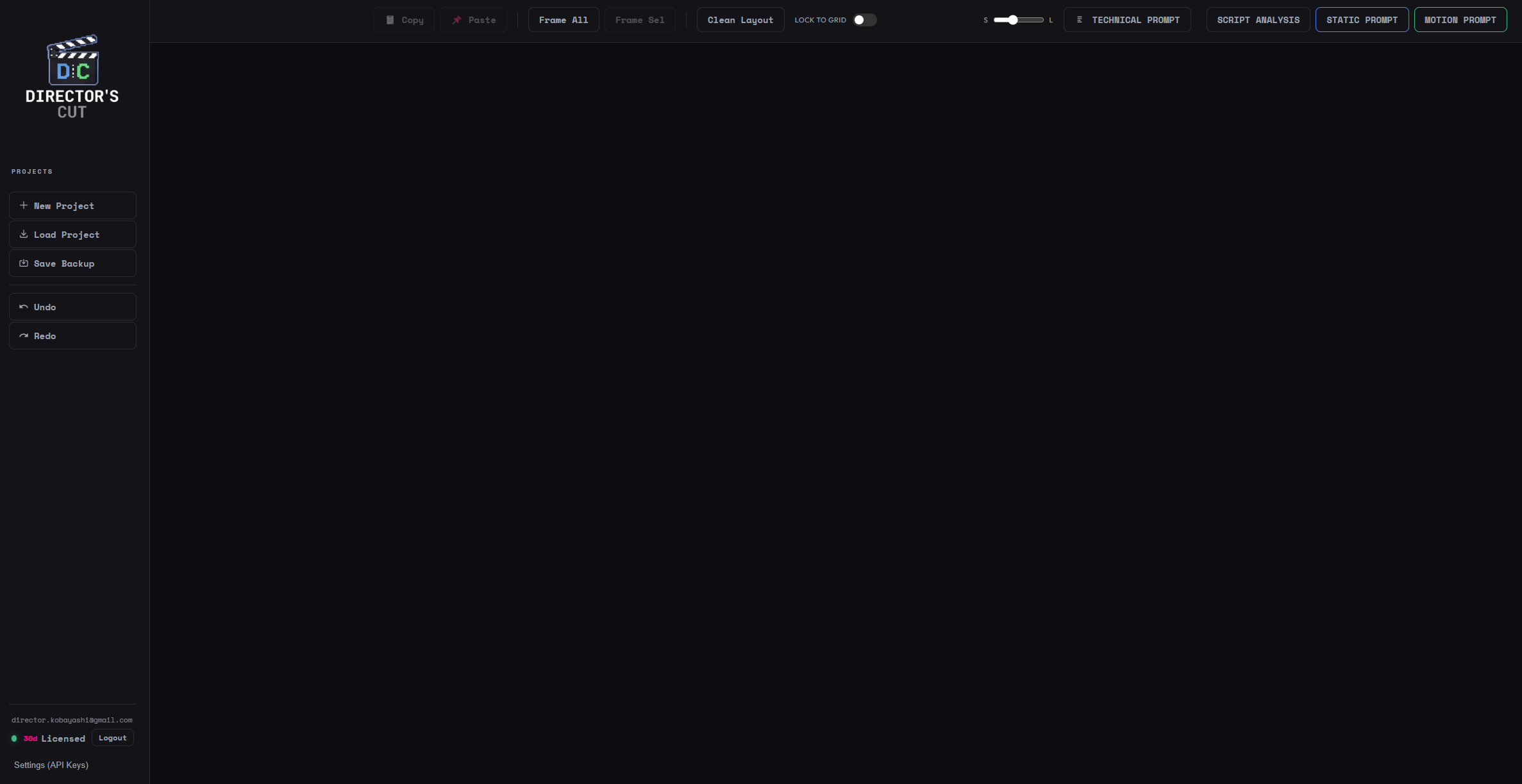
Director’s Cut helps filmmakers, directors, and visual creators organize and generate cinematic prompts for AI image and video tools. Instead of scattering prompts across notes, chats, and documents, it gives you a structured environment to build and reuse your visual ideas.
Create libraries of prompts for shots, scenes, lighting setups, camera movement, and visual styles. Generate prompts from still images, build multi-shot sequences, and reuse your best ideas across projects.
Designed for modern AI workflows, Director’s Cut works alongside tools like Midjourney, Runway, Kling, Veo, Flux, and others. It helps you move faster, stay organized, and maintain a consistent cinematic language across your projects.
Build a prompt library
Create structured prompts for shots, lighting, scenes, and styles that you can reuse across projects.
Generate prompts from images
Upload a still image and generate prompts that capture its visual language.
Create shot sequences
Design multi-shot scenes and prompt sequences to guide AI video generation.
Reuse and refine ideas
Save your best prompts and evolve them over time instead of starting from scratch.
Director’s Cut is currently available as an early alpha.
To try it, download the Chrome extension and install it manually.
To use the tool, you will need your own API key from OpenAI, Gemini, or Anthropic.
If you download the alpha, you need a license to use it, simply join our mailing list and you will receive a one-month license to test the tool.
A cinematic prompt workflow for filmmakers working with AI.
Director’s Cut helps filmmakers, directors, and visual creators organize and generate cinematic prompts for AI image and video tools. Instead of scattering prompts across notes, chats, and documents, it gives you a structured environment to build and reuse your visual ideas.
Create libraries of prompts for shots, scenes, lighting setups, camera movement, and visual styles. Generate prompts from still images, build multi-shot sequences, and reuse your best ideas across projects.
Designed for modern AI workflows, Director’s Cut works alongside tools like Midjourney, Runway, Kling, Veo, Flux, and others. It helps you move faster, stay organized, and maintain a consistent cinematic language across your projects.
Build a prompt library
Create structured prompts for shots, lighting, scenes, and styles that you can reuse across projects.
Generate prompts from images
Upload a still image and generate prompts that capture its visual language.
Create shot sequences
Design multi-shot scenes and prompt sequences to guide AI video generation.
Reuse and refine ideas
Save your best prompts and evolve them over time instead of starting from scratch.
Director’s Cut is currently available as an early alpha.
To try it, download the Chrome extension and install it manually.
To use the tool, you will need your own API key from OpenAI, Gemini, or Anthropic.
If you download the alpha, you need a license to use it, simply join our mailing list and you will receive a one-month license to test the tool.